
Why Your B2B SaaS Site Isn't Converting Traffic (And How Technical SEO Fixes It)
Discover how technical SEO fixes slow pages, indexing issues, and poor site structure to turn B2B SaaS search traffic into qualified leads.
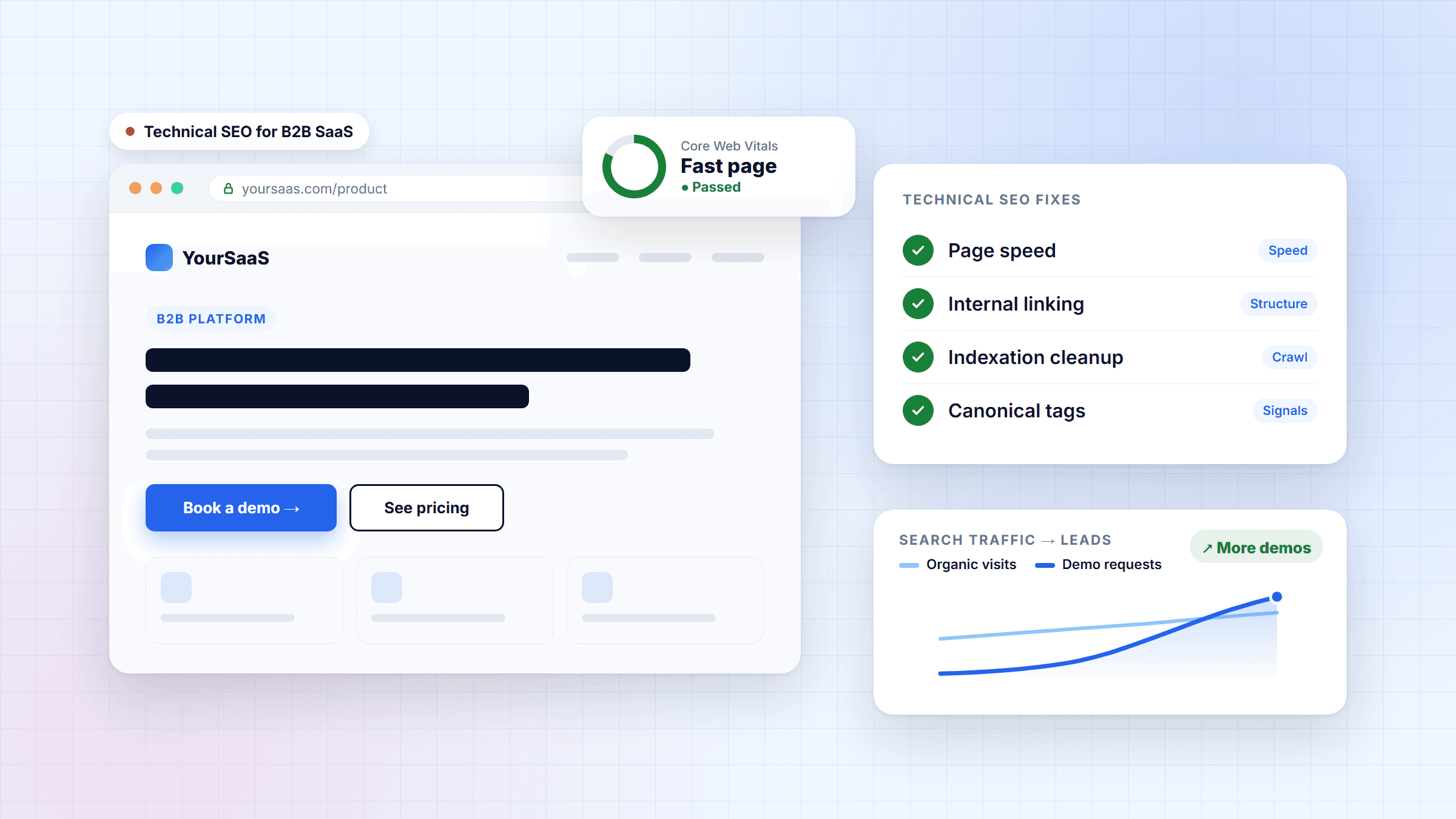
Table of contents
- Four Technical SEO Issues That Hurt B2B Conversions
- 1. Slow Page Speed and Poor Core Web Vitals
- 2. Poor Information Architecture and Internal Linking
- 3. Indexation Bloat and Unnecessary URLs
- 4. Incorrect Canonical Tags and Duplicate Content
- Technical SEO Best Practices for SaaS Websites
- Essential Technical SEO Checklist
- Key Takeaways: Turn Search Traffic into Leads
- FAQs
Your B2B SaaS website gets search impressions and clicks, but demo requests and enquiries are still missing. Sound familiar?
Attracting visitors is only half the job. If potential customers struggle to navigate your website, find relevant solutions, or access important pages, they may leave without contacting you. Technical SEO helps address these problems by improving website performance, crawlability, indexation, and structure. A strong B2B SEO conversion strategy focuses not just on attracting visitors but also on helping the right audience take the next step.
Four Technical SEO Issues That Hurt B2B Conversions
1. Slow Page Speed and Poor Core Web Vitals
Imagine a potential customer clicking your service page, only to wait several seconds for it to load. They might leave before understanding your offering. Slow pages create friction, especially for visitors comparing SaaS solutions or considering a demo.
How to fix it: Compress images, enable caching, reduce unnecessary JavaScript, and improve server response times. For Next.js websites, review rendering methods and asset loading to improve performance.
2. Poor Information Architecture and Internal Linking
Your blog might attract relevant visitors, but can they easily find your services or demo form? If not, your website could be losing valuable opportunities. A confusing structure separates educational content from the solutions readers need.
How to fix it: Organize content into pillar pages, supporting cluster articles, and B2B SEO service pages. Use descriptive internal links to connect related blogs with your services. This pillar-to-cluster and cluster-to-pillar approach helps visitors discover relevant information and helps search engines understand content relationships.
3. Indexation Bloat and Unnecessary URLs
SaaS websites can generate unnecessary URLs through filters, tracking parameters, internal search results, and duplicate pages. More indexed pages do not automatically mean better rankings.
How to fix it: Review URLs in Google Search Console, remove unnecessary internal links to low-value pages, and maintain an accurate XML sitemap. Use appropriate indexing directives where necessary. Remember, robots.txt controls crawling but does not guarantee removal from Google's index.
4. Incorrect Canonical Tags and Duplicate Content
Similar content appearing under multiple URLs can make it less clear which version search engines should prioritise. Incorrect canonical tags may contribute to this confusion.
How to fix it: Add appropriate canonical tags, link internally to preferred URLs, and redirect duplicate versions where suitable. Keep canonical URLs consistent with your sitemap and ensure preferred pages are indexable.
Technical SEO Best Practices for SaaS Websites
A practical technical SEO for SaaS strategy focuses on improvements that support discoverability, user experience, and conversions.
Essential Technical SEO Checklist
| SEO issue | Simple technical fix | Expected benefit |
|---|---|---|
| Slow page speed | Compress images and optimise scripts | Better user experience |
| Poor internal linking | Connect blogs to relevant service pages | Easier navigation |
| Indexation bloat | Review unnecessary URLs and indexing directives | Better crawl management |
| Duplicate content | Correct canonical tags and redirects | Clearer URL signals |
| Difficult conversion paths | Improve demo and contact page accessibility | Easier enquiries |
Following an essential checklist for technical SEO SaaS website optimization helps teams prioritize practical fixes rather than making random changes.
A comprehensive B2B SaaS SEO audit should also consider search intent. People researching a problem need educational content, while those comparing providers need clear service information, evidence of expertise, and an easy way to enquire. Your B2B SaaS SEO strategy guide for high intent traffic should connect technical improvements with useful content and relevant conversion opportunities. Technical SEO supports lead generation, but compelling messaging and customer trust matter too.
Key Takeaways: Turn Search Traffic into Leads
If your website attracts visitors but generates few enquiries, investigate page speed, information architecture, indexation, and canonicalisation. These improvements can help search engines discover important pages and help potential customers find relevant solutions. Measure qualified demo requests alongside organic clicks to understand whether your improvements support business goals.
Ready to uncover opportunities in your organic funnel?
SearchAheadSEO can help identify technical issues, prioritise practical fixes, and improve your website's search performance. Request a custom technical SEO audit from SearchAheadSEO today and take the next step towards turning relevant search traffic into qualified business opportunities.
FAQs
What is technical SEO for SaaS?
Technical SEO improves a SaaS website's performance, crawlability, indexation, and structure so search engines can discover and understand important pages.
Why is my B2B SaaS website getting traffic but no leads?
Possible reasons include slow pages, unclear messaging, poor navigation, mismatched search intent, or difficult demo forms. Review both technical issues and the conversion journey.
How often should I conduct a B2B SaaS SEO audit?
Review performance regularly and conduct a more comprehensive audit quarterly or after significant website changes. Address critical issues as soon as possible.
Do canonical tags improve rankings?
Canonical tags help indicate your preferred URL among duplicate or similar pages. They are signals, not guarantees, and do not automatically improve rankings.
Can technical SEO increase demo requests?
It can remove barriers that prevent visitors from accessing important pages. However, demo requests also depend on search intent, offer quality, messaging, and trust.
Written by
Kanishma
SEO Content Writer
Kanishma writes search-first content at SearchAheadSEO, turning keyword research and technical SEO insight into articles that answer what buyers are actually searching for.